
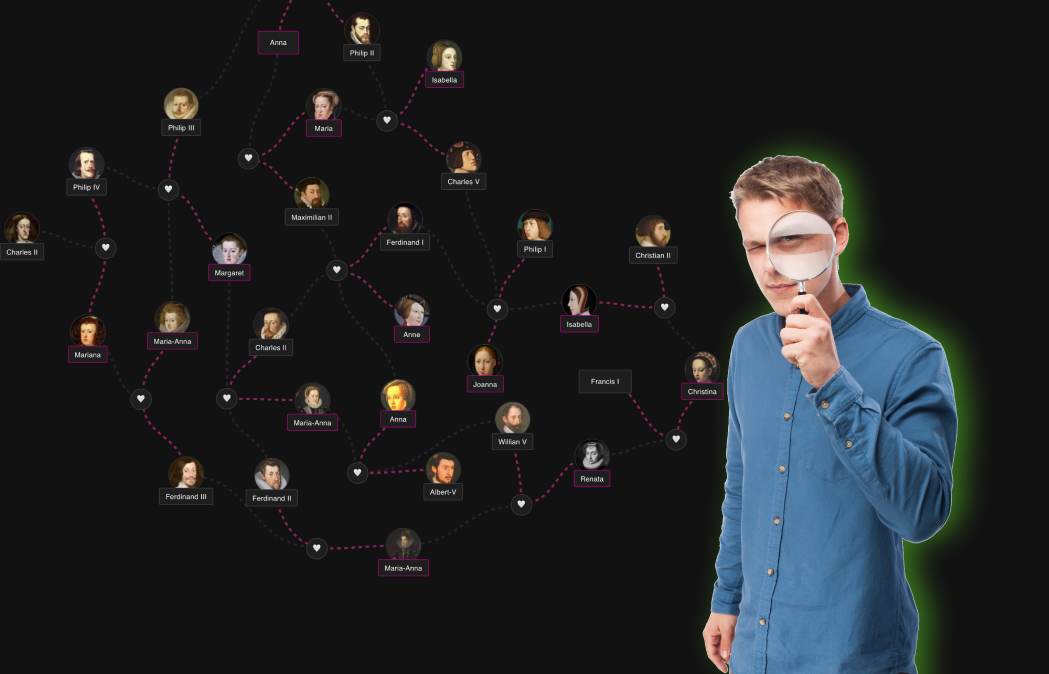
How to Make a Family Tree: a Step-by-Step Guide
Making a family tree looks intimidating from the outside — old documents, hundreds of names, complicated software. In practice, you can have a good-looking three-generation tree in about ten minutes, and everything after that is a hobby that grows with you. This guide walks you through the whole process step by step.
What you'll need: what you already remember about your family, optionally a phone call to a parent or grandparent, and a free family tree maker — no downloads required.
Step 1: Start with yourself
Every family tree has an anchor person, and the easiest one is you. Add yourself first: name, birth date, birthplace. Don't aim for completeness — you can always come back and fill in details later.
This bottom-up approach (you → parents → grandparents) is how professional genealogists work too. Each generation back doubles the number of ancestors, so starting from yourself keeps the tree honest: every person on it is verifiably connected to you.
Step 2: Add your parents and grandparents
Add both parents, then their parents. In a good family tree creator this takes a couple of clicks per person — the layout redraws itself, so you never have to think about where the boxes go.
Twelve people in (you, parents, grandparents, and a few siblings), the tree already tells a story.
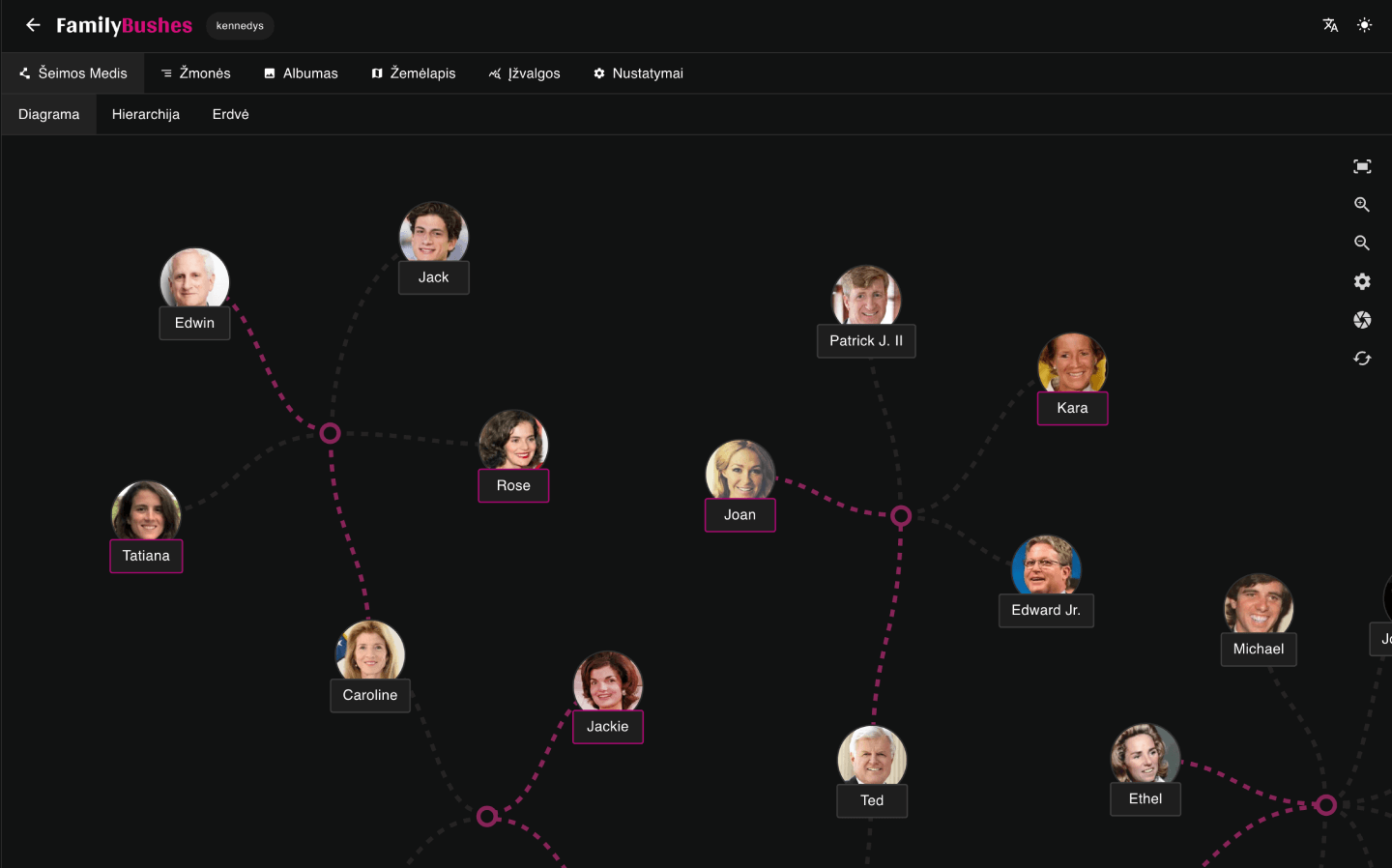
Tip: if you don't know a name — a grandparent you never met, a great-grandmother nobody talks about — leave the name empty rather than writing "Unknown". You will find it later, and an honest gap is easier to spot than a fake placeholder.
Step 3: Interview your relatives
This is the single highest-value step, and the one people postpone until it's too late. Your oldest living relatives are a primary source that no archive can replace.
Good questions to ask:
- What were your grandparents' full names, including maiden names?
- Where exactly was the family from — village, town, region?
- When and where did people marry, move, emigrate?
- Who is in that old photo?
Record the calls if they let you. One hour with a grandparent typically extends a tree by two generations and produces stories you'd never find in any database.
Step 4: Add siblings, spouses and children
Now widen the tree: your siblings, aunts and uncles, cousins, and everyone's spouses and children. This is where many tools struggle — real families have remarriages, half-siblings, single parents and adoptions. Make sure the tool you picked handles those structures instead of forcing everyone into one neat couple-with-children box.
A modern editor will also compute relationships for you — so when you add your mother's cousin's daughter, it can tell you exactly what that person is to you.
Step 5: Add dates, places and photos
Names and lines make a chart. Dates, places and photos make a family history.
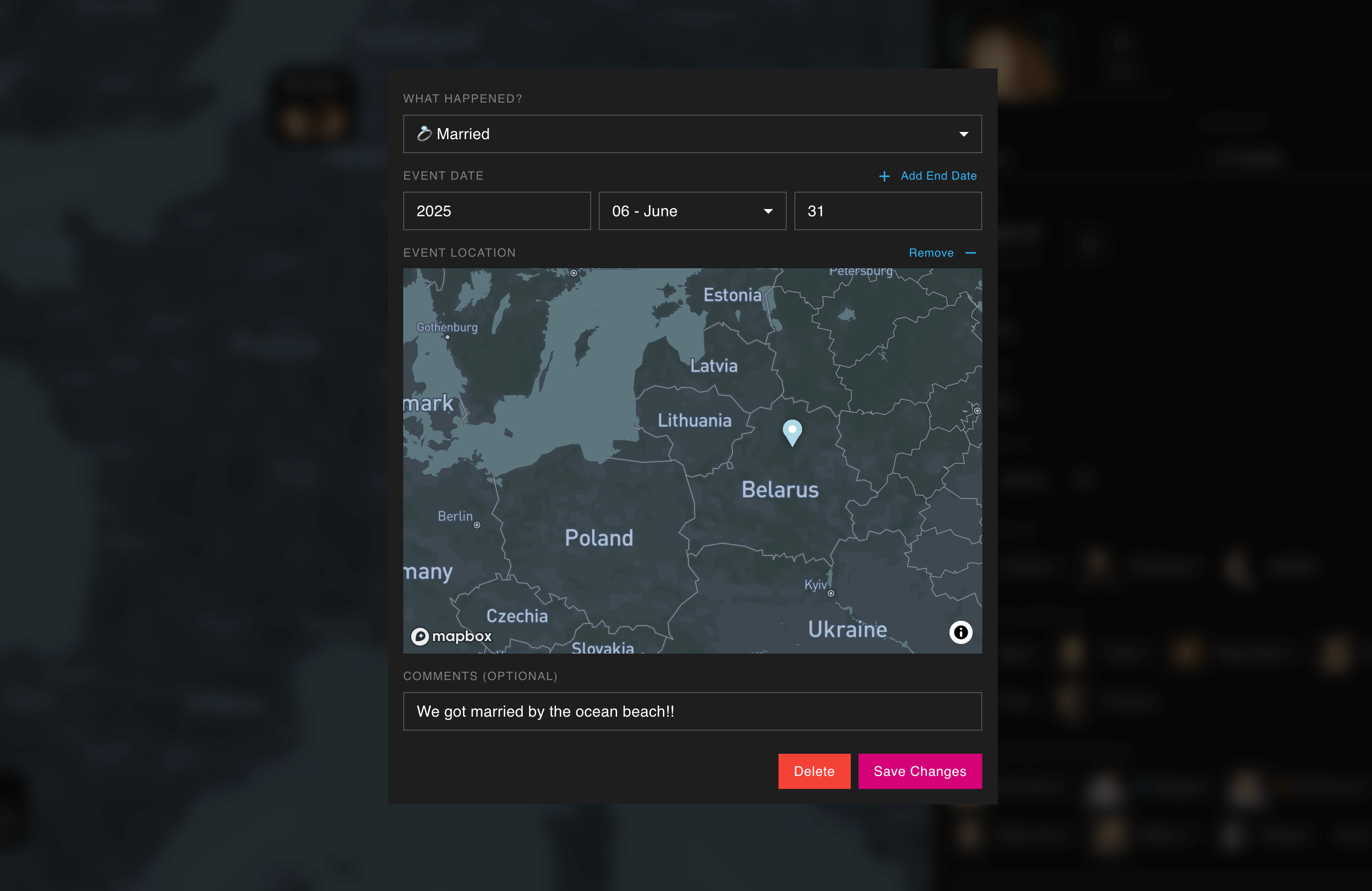
- Dates — birth, marriage, death, but also moves, schools, military service.
- Places — pin events to real locations, and you get a map of your family's journey through the world.
- Photos — scan the shoebox photos while the people who can identify faces are still around.
If an exact date is unknown, a year is enough. "About 1932" beats an empty field.
Step 6: Pick the right way to look at your tree
Once the data is in, choose how to see it. Different layouts answer different questions:
- A classic hierarchical tree for the family reunion poster;
- A fluid graph to untangle complex relationships;
- A map view to see migrations;
- A timeline to see whose lives overlapped.
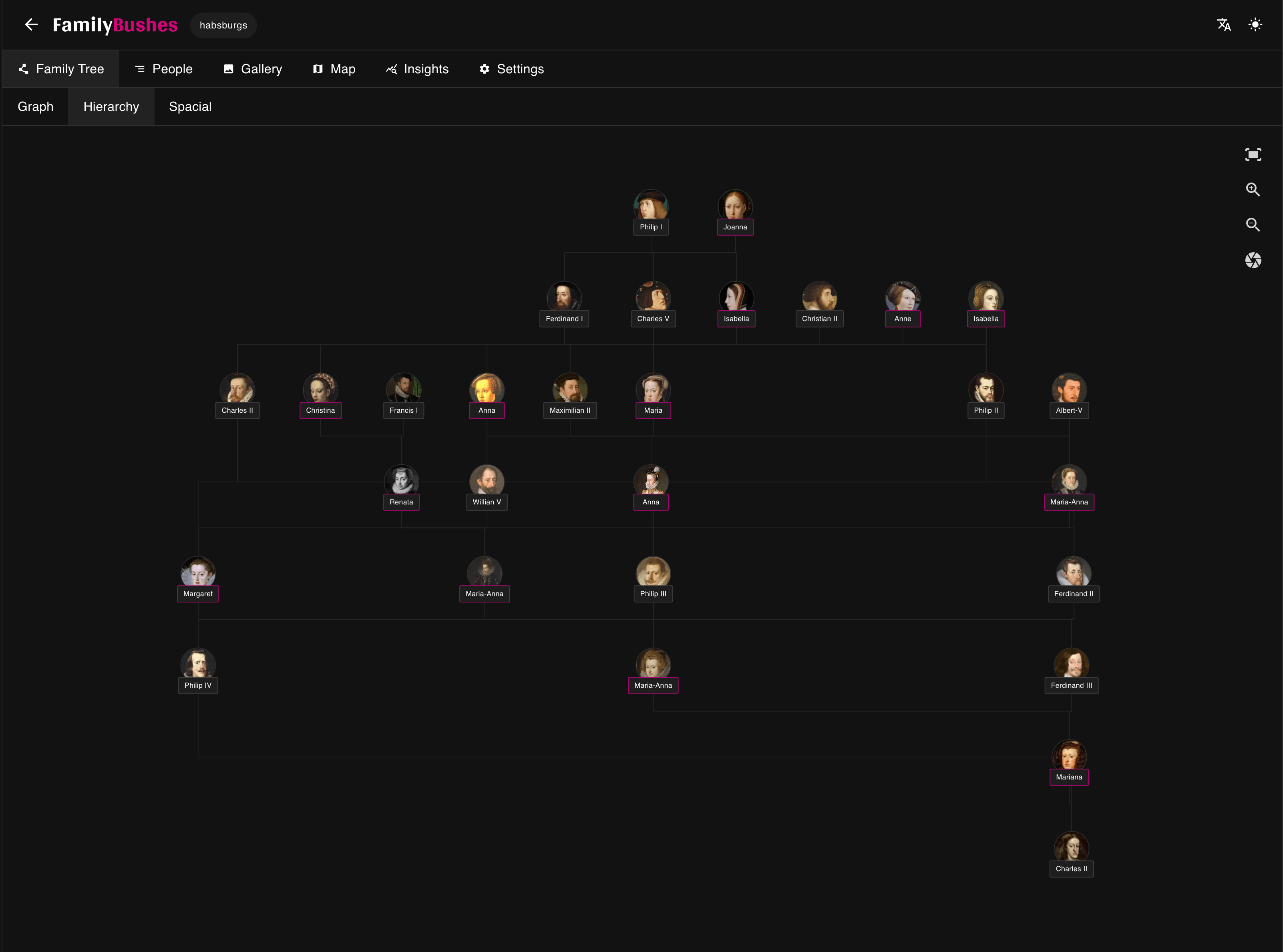
If you'd rather start from a ready-made design, we've collected free family tree templates you can build on.
Step 7: Share it with the family
A family tree kept to yourself is half a family tree. Share a link with your relatives — the corrections and additions will start arriving within hours ("that's not aunt Rūta, that's her sister!"). In FamilyBushes, viewers don't need an account: they open the link and browse the tree, gallery and map in the browser.
Sharing is also how trees grow: every relative who sees it knows one thing you don't.
Going further back
When living memory runs out, records begin:
- FamilySearch — free, run by a nonprofit, billions of records;
- National and church archives — many are digitized and searchable;
- Billion Graves — cemetery records with photos;
- Paid databases (Ancestry, MyHeritage) — see our comparison of family tree makers for when they're worth it.
If you've already done research elsewhere, don't re-type it: export a GEDCOM file from the old tool and import it — you'll keep every person, date and relationship.
Common questions
How far back can I realistically get? For most families: great-great-grandparents (mid-1800s) from interviews and civil records. Beyond that depends heavily on country and how well archives survived.
What about complicated families? Remarriages, blended families and adoptions are normal, not exceptions. Any tool worth using handles them; if yours doesn't, switch — your GEDCOM file moves with you.
Paper or online? Paper is lovely for display, terrible for maintenance. Build the tree online (it reorganizes itself, backs itself up, and everyone can see it), then print or export whenever you want a poster.
Start your tree now
The best time to start a family tree was while your grandparents were young. The second best time is today:
Updated: Fri Jul 03 2026
Create Family Tree Now
Keep your family's history safe forever. Sign up free, build your tree, and export or share it any time.
Get Started Free